






Lochwand-Schreibtischhalterung (Weiß)
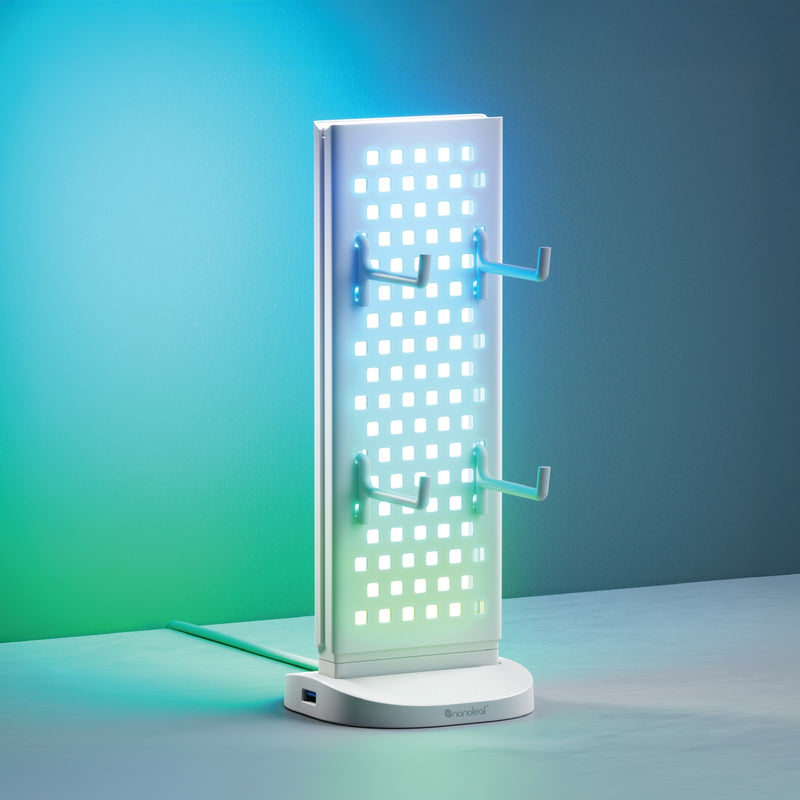
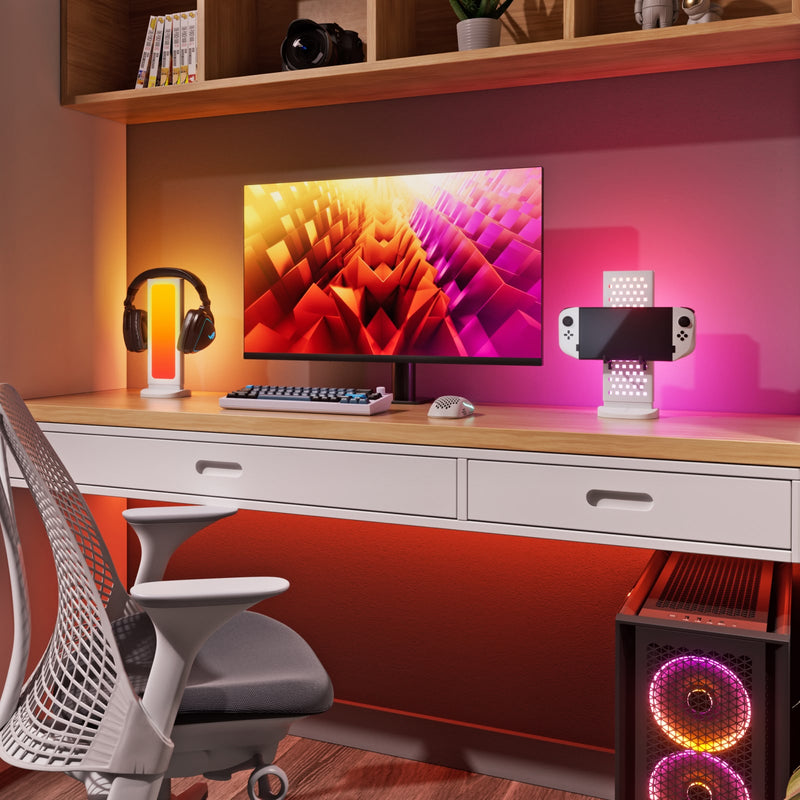
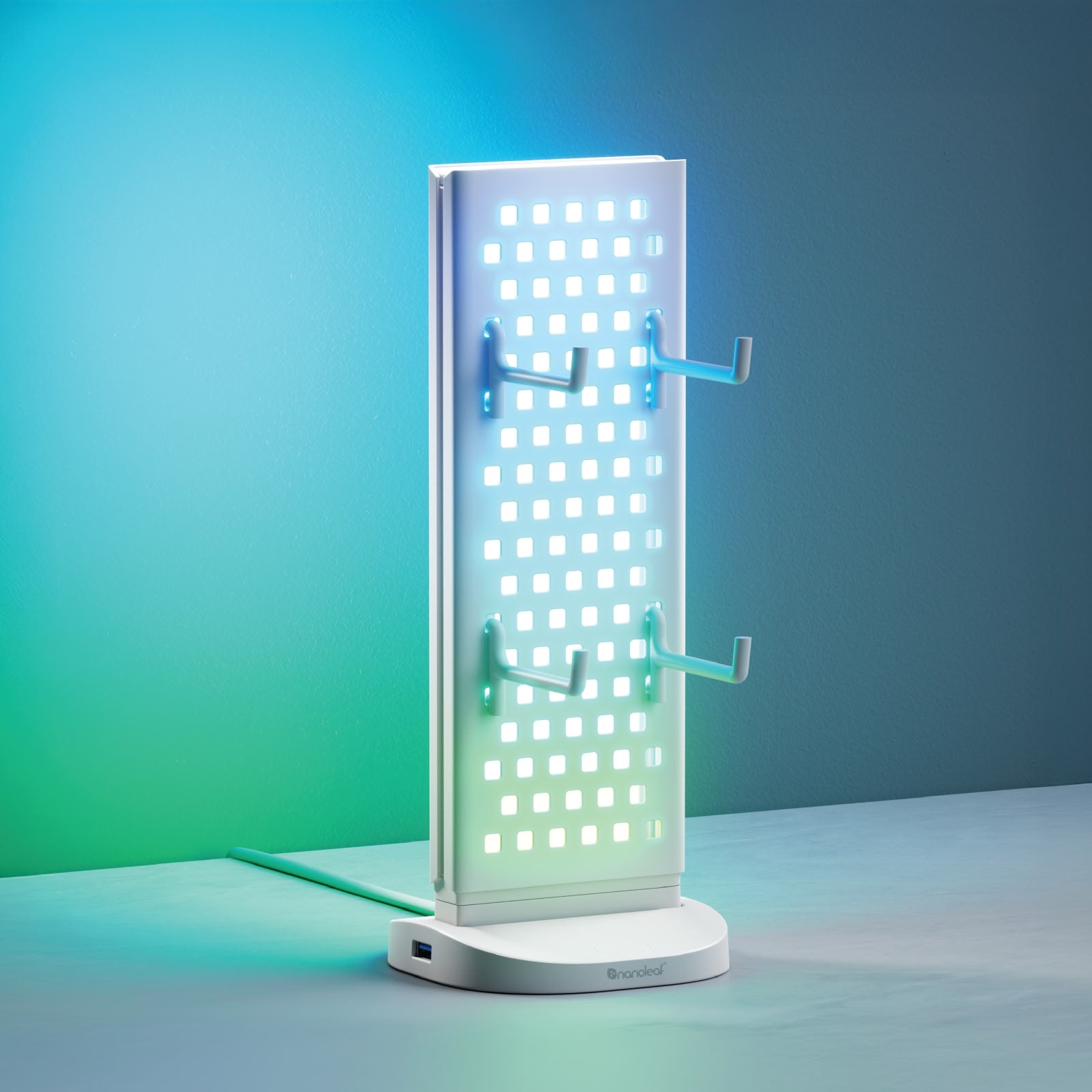
Verleihen Sie Ihrem Schreibtisch mit dieser doppelseitigen 3-in-1-Lochwandhalterung Farbe und Komfort.
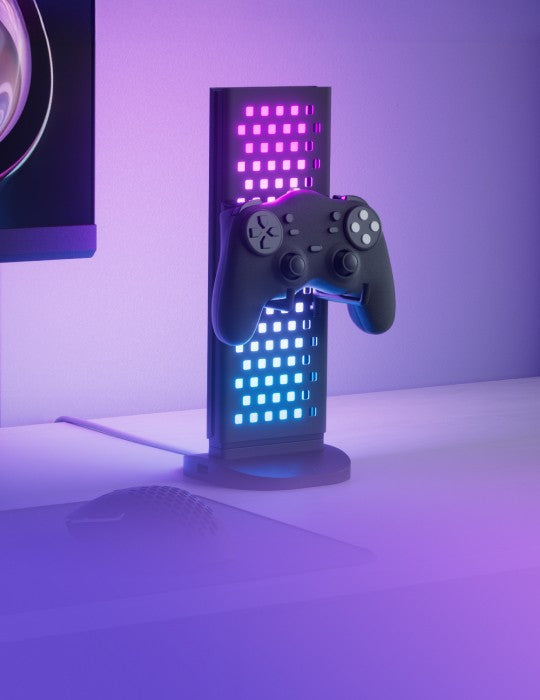
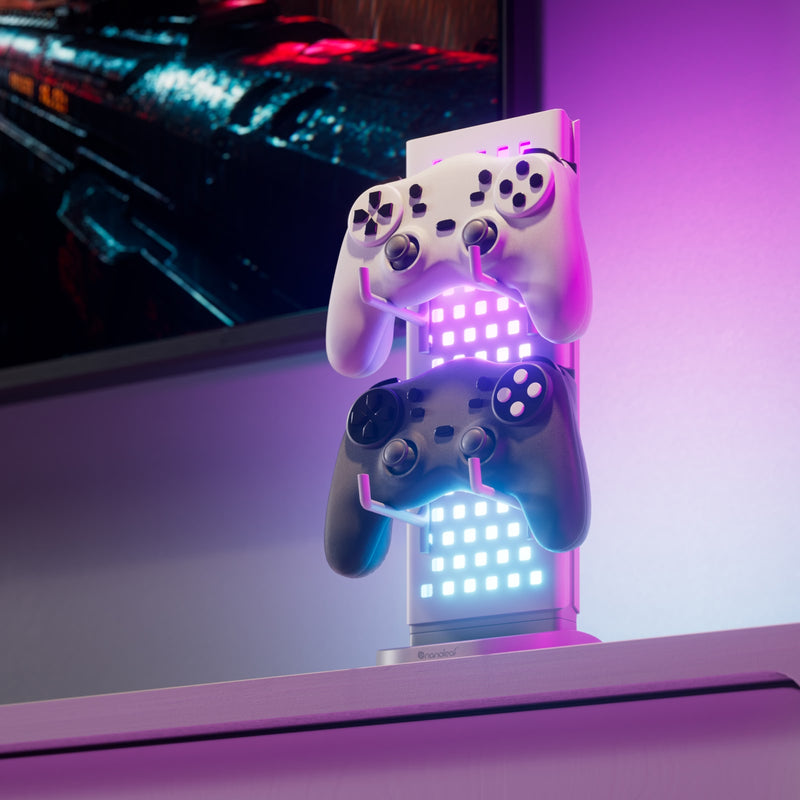
Nutzen Sie die beleuchtete Lochwandseite zur Aufbewahrung und Präsentation von Zubehör für schnellen Zugriff oder drehen Sie sie um 180° für faszinierende Lichteffekte auf der gesamten Vorderseite. Zusätzlich: Laden, betreiben und verbinden Sie Ihre Peripheriegeräte und andere Geräte mit der USB-Hub-Basis für ein ordentliches Kabelmanagement und eine nahtlose Einrichtung.
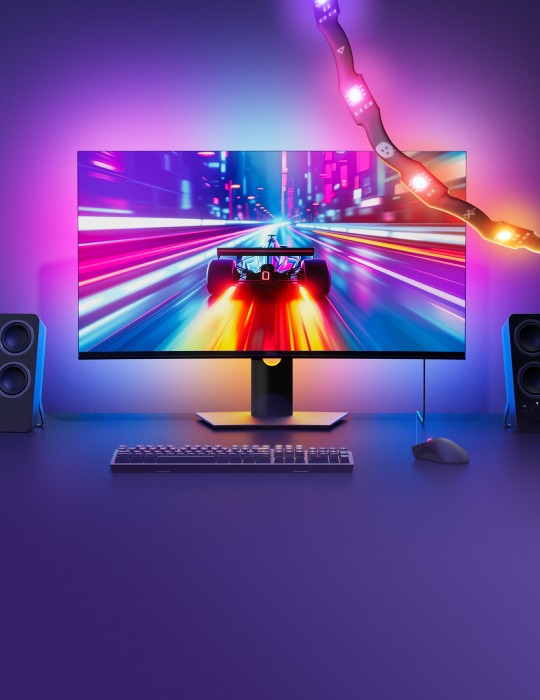
Die Halterung synchronisiert sich dank sofortiger Kopplung über USB-C direkt mit Ihrem Computer und ermöglicht so besonders immersive, dynamische Lichteffekte.
- Anschluss an den USB-C-Anschluss Ihres Computers
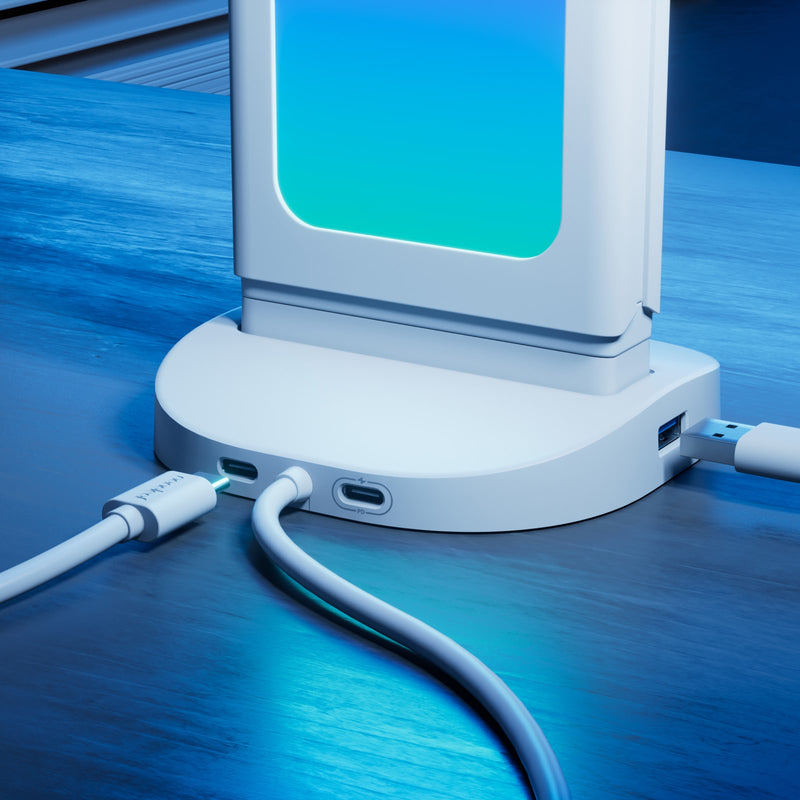
- Zusätzliche Anschlüsse: 2x USB-C, 1x USB-A, 1x USB-C Power Delivery-Eingang
- Inklusive 4 Lochwandhaken
- Anpassbare Farben und Bewegungen
- Echtzeit-Bildschirmspiegelung und Musikvisualisierung
- Kompatibel mit Windows und Mac
Für den vollen Funktionsumfang ist die Nanoleaf Desktop-App erforderlich.
*Dieses Gerät ist NICHT mit der Nanoleaf Mobile-App kompatibel.
Read More
Read Less


Pairs well with
Get a free replacement for defective products. LEARN MORE
Register with Student Beans to verify your student status and get a up to 15% discount code!
Product Details
Dimensions & Weight
Panel Dimensions: (D) 22.6 x (W) 90.6 x (H) 273.6 mm
Base Dimensions: (D) 107 x (W) 107 x (H) 17.82 mm
Wire Length: 2 m
Weight: 616.5 g
General
Usage: Indoor
IP Rating: IP20
Brightness: Up to 50 lumens
Color
Color Channel Configuration: RGB
Resolution: 30 LEDs per metre
Color Zones: 10 zones per metre
Power
Input Voltage:
9V 2A: USB-C PD Port
3A: Computer USB-C
Output Voltage:
5V 3A: USB-C & USB-A
Max Power Supply Power: 15W
Lifetime: 25,000 hours
Working Temperature: 0°C to 40°C
Operating Humidity: 10% to 90%
Control
Dimmability: Yes (via Nanoleaf Desktop App)
Dimming Range: 1% - 100%
Control:
Nanoleaf Desktop App (Windows & Mac)
Attached Controller
Warranty
Warranty: 2 Years


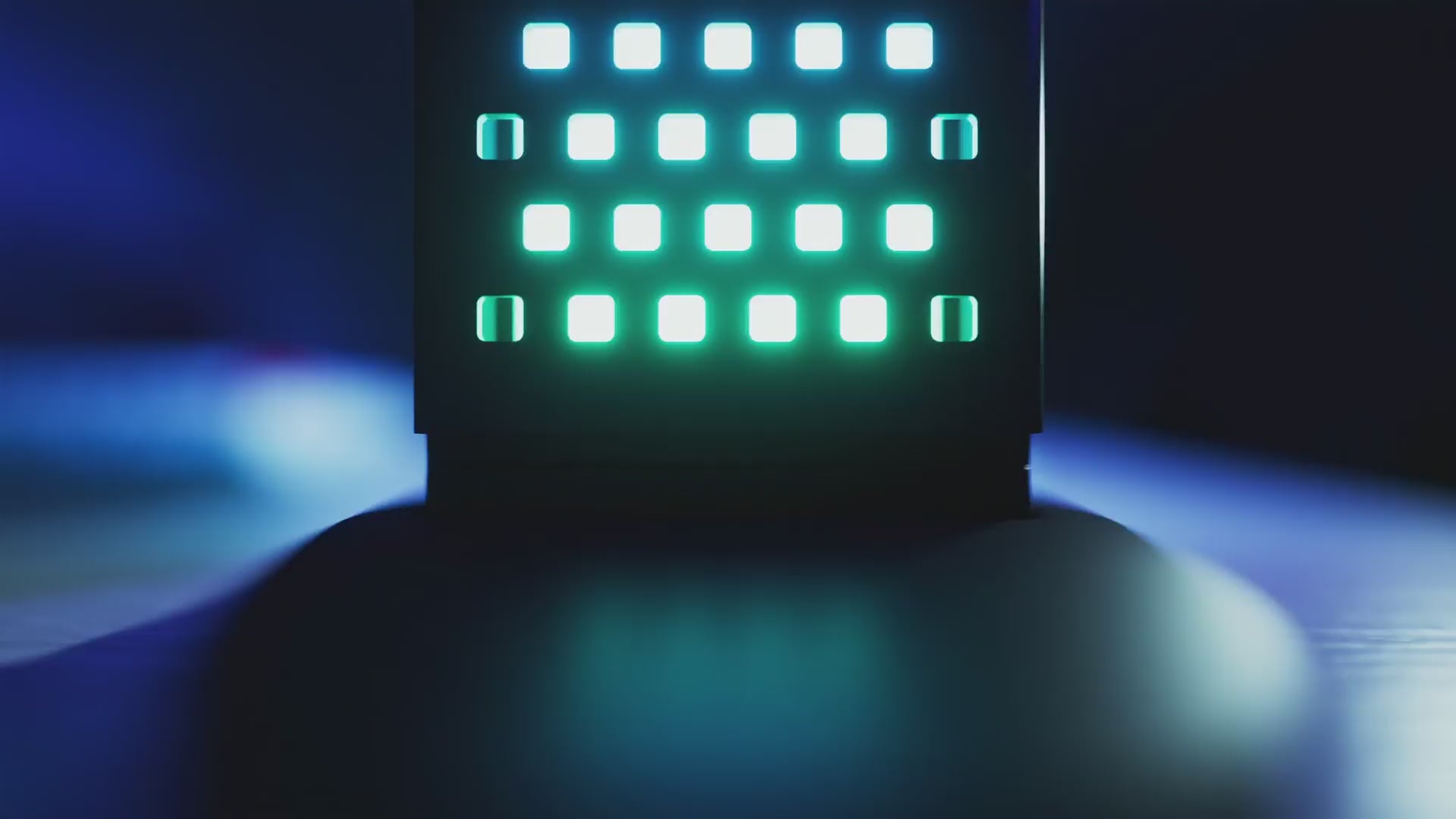
Conquer your desk with the Nanoleaf Pegboard Desk Dock—a versatile 3-in-1 hub that blends vibrant lighting effects, practical storage, and seamless connectivity into one sleek package.
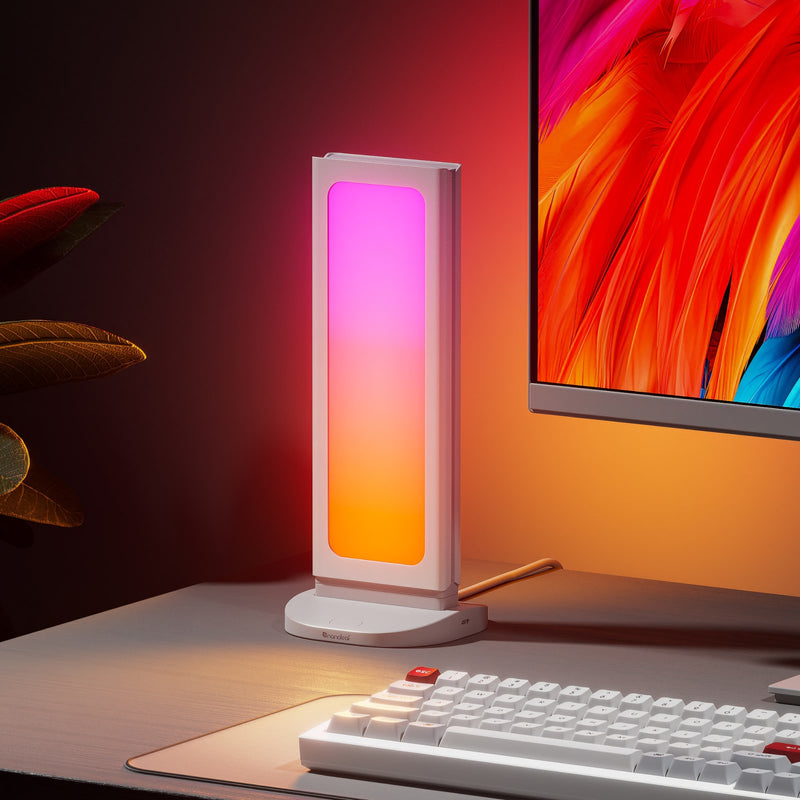
Dual Faced Lighting
Use the light pegboard side to store & display accessories, or turn 180º for full-faced lighting effects. Simply click, lift & rotate!
Store Your Stuff
Keep your desk clear while still having your accessories close at hand for easy access, or use as a charging station for your devices via USB A or C.
Connect Your Peripherals
Charge, power, and control your peripherals and other devices with 3 built-in ports in each Pegboard Desk Dock.
- 1 x USB-A Port
- 2 x USB-C Port
Additional power input is required when connecting high-power devices like webcams, microphones, multiple Pegboard Desk Docks, RGB keyboards, etc.
Plug & Play with Nanoleaf Desktop App
Pair with the Nanoleaf Desktop App instantly just by plugging your Pegboard Desk Dock into your computer to access the full suite of Nanoleaf features.
Customise Colors & Scenes
Choose from 16M+ ambient colors, or create your own Scenes with dynamic animated motions and palettes for a completely custom look.


Customize & Control From Your Desktop


FAQs
Can I control the Pegboard Desk Dock with a mobile app?
The Pegboard Desk Dock is not compatible with mobile apps (like the Nanoleaf Mobile App or other smart home ecosystem apps).
It is a computer only product, and works on both Mac and Windows computers with the Nanoleaf Desktop App.
Can I connect it to any USB-C port?
It must be connected to aComputer USB-Cport (Windows or Mac) The port must support both data and power. If the port only supports power, it will not work with the Nanoleaf Desktop App.
Pegboard Desk Docks can also be connected to one another (daisychained) as long as at least 1 is connected to a Computer USB-C port.
What USB ports does it have?
The Pegboard Desk Dock has:
2× USB-C (Output, 5V DC)
1× USB-A (Output, 5V DC)
1× USB-C PD Input Port (Input, 9V)
Note: The PD (Power Delivery) Input Port is INPUT only, used to supply additional power to the Pegboard Desk Dock when needed for connecting high power devices like webcams, microphones, multiple Pegboard Desk Docks, RGB keyboards, etc. You can power it by via any standard USB-C power cable connected to a power source, like a standard wall plug phone charger (not included).
Can I connect multiple Pegboard Desk Docks together?
Yes! You can daisychain them but you will require an additional power source.
Connect your first Pegboard Desk Dock to your Computer USB-C port, and then plug second Pegboard Desk Dock into the USB-C port on the first. You will need to plug in an additional* power supply or charger (in addition to being plugged into your computer) to the PD Input Port on the Pegboard Desk Dock base.
View our online user manual for more detailed instructions.
Alternatively, you can connect each Pegboard Desk Dock directly to separate Computer USB-C ports.
What is the maximum weight the Hooks can hold?
The maximum weight capacity is 1.5kg (3.3lbs).
Can I connect it to Google Home, Apple Home, Alexa or SmartThings?
No, the Pegboard Desk Dock is designed exclusively for the Nanoleaf Desktop App and does not support integrations with smart home platforms like Google Home, Apple Home, or SmartThings.
Can I use the Pegboard Desk Dock with both Mac and Windows computers?
Yes the Pegboard Desk Dock is compatible with both Mac and Windows.
Can I control the Pegboard Desk Dock together with my other Nanoleaf lights?
Yes, they can all be controlled together through the Nanoleaf Desktop App.
Can the Pegboard Desk Dock display regular colors and Scenes in addition to Screen Mirroring?
Yes, the Pegboard Desk Dock can display colors and Scenes with the Nanoleaf Desktop App, and can also access other Nanoleaf Desktop features like Orchestrator and Scenescapes.
Can I screen mirror content from a streaming service like Netflix?
Some streaming services—like Netflix, Disney+, and Prime Video—may have copyright protection restrictions in place that block any type of screen capture, recording, or mirroring on devices. In these select cases Screen Mirroring is not possible, but outside of these services, any other content that can be displayed on your screen can be mirrored onto your lights.